

Megaman Legends has Surprisingly Great Mouse Support!
With the help of a Mouse Injector, of course.

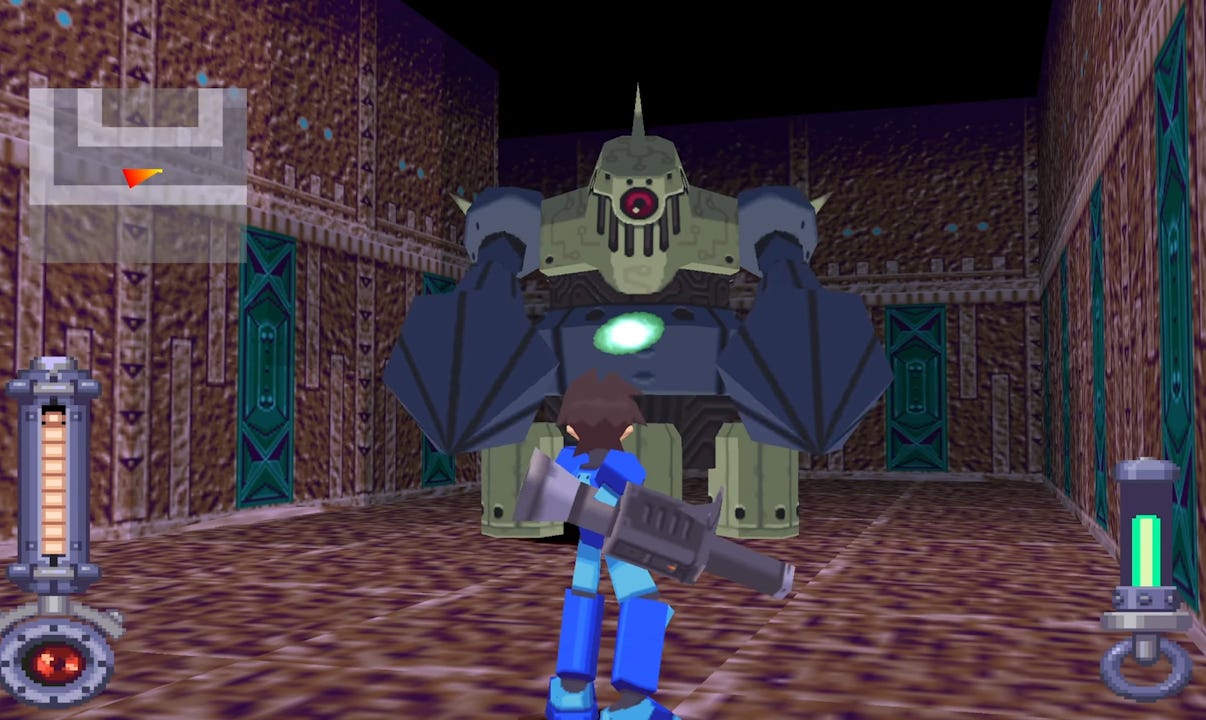
One of the coolest pieces of homebrew software I know about is MouseInjectorDolphinDuck. It lets you boot up an emulator, launch a first-person game and like magic, your mouse controls the camera. It makes loads of games feel like native PC releases — a blessing to anyone who struggles to play older titles because of their controls, especially First-Person Shooters.
Add on more game to the support list — Megaman Legends 1 & 2! You wouldn’t know it by reading the compatibility charts, as they aren’t mentioned, but both games have a working profile! I haven’t tried Tron Bonne yet, but I’ll update when I do.
The camera doesn’t snap 1:1 with mouse movements, often floating a little further than you intend for it to go. Still, it took me 20min to get used to this and with a game where you can get away with imprecision, it genuinely wasn’t an issue. I’m guessing this is why Garungorp, the modder who added Duckstation support as well as many other systems, didn’t mention it.
If you want to know how my controls were setup, I’d recommend this list:
Dpad = WASD (movement)
Cross = space (jump)
Circle = F (interact, could do E instead)
Square = left mouse click (fire blaster arm)
Triangle = right mouse click (fire special arm)
L1/L2/R1 = don’t bind
R2 = E (lock-on/free-look, used almost never)
Start = Tab (menu)
Select = Caps Lock (map, could do M instead)
After playing through the first game like this — I’m officially a Megaman Legends fan! Genuinely a 10/10 game. Will return someday to see all the side-quests through to their finish!!